The migration and decommissioning difference is easy to state and easy to get wrong. One project moves your environment somewhere new, while the other safely retires it. Yet many teams plan them as a single job, and that is where costs and risks pile up.
Teams often underestimate both projects. As a result, a “simple” move turns into weeks of surprises, orphaned servers, and missing paperwork. This guide explains how the two projects differ, where they overlap, and how to plan each one.
Migration and Decommissioning: Two Different Projects
Migration and decommissioning share a lot of vocabulary. Both involve racks, cables, and downtime windows. Still, their goals are opposite.
- Migration keeps your workloads alive, so the goal is continuity in a new place.
- Decommissioning ends the life of the equipment, so the goal is a clean, documented exit.
Here is a quick comparison of the two projects.
- Goal: Migration moves live systems, while decommissioning retires systems safely.
- Success looks like: Migration means no service disruption, while decommissioning means no data left behind.
- Biggest risk: Migration risks downtime. Decommissioning, however, risks data exposure.
- End state: Migration leaves systems running elsewhere. Decommissioning instead leaves assets destroyed, resold, or recycled.
- Key proof: Migration is proven by a successful cutover. Decommissioning is proven by certificates and chain of custody.
One project often triggers the other, since the old site needs decommissioning after a migration. That handoff is where most mistakes happen.
What Migration Involves
A migration moves running systems from one environment to another. The target might be a new facility, a colo, or the cloud. Either way, the business must keep working.
Migration planning centers on dependencies. Applications talk to each other in ways nobody wrote down. If you move one without the others, something breaks. So teams map those links first.
Sequencing and Downtime
Sequencing decides how smooth a migration feels. Teams group systems into waves and move them in a safe order. Each wave has a rollback plan in case something fails.
Downtime is the main enemy. Therefore, most teams cut over during off-hours and test before they switch. A well-run migration keeps outages short or invisible.
What Decommissioning Involves
Decommissioning shuts down equipment for good, so it sounds like cleanup. In practice, it is a full project with its own risks.
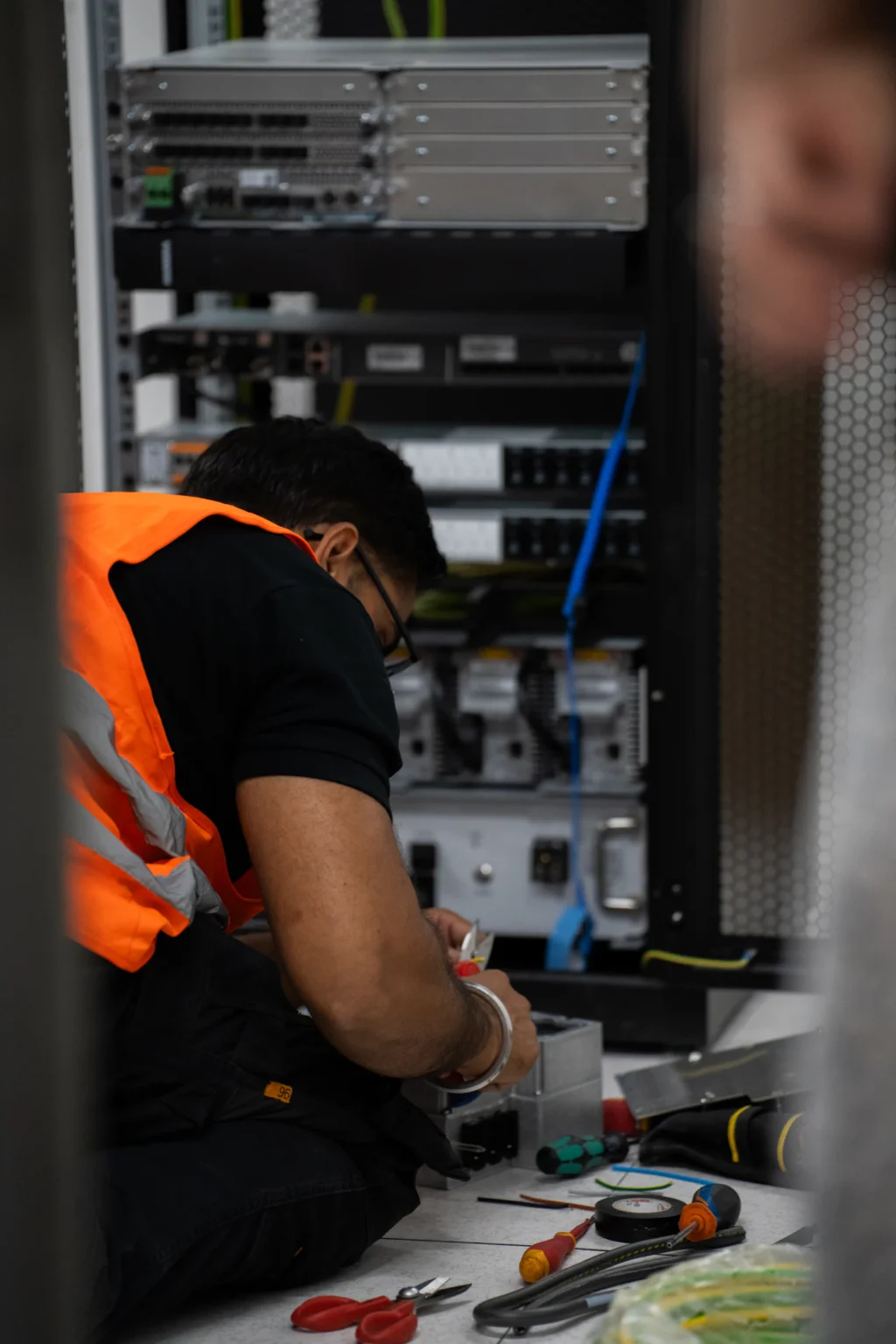
The work includes taking inventory, backing up what you need, and powering down systems in order. Then comes the physical work. Teams label, de-rack, and palletize the gear. Finally, each asset is destroyed, resold, or recycled.
Our data center decommissioning checklist walks through every phase in detail.
Chain of Custody
Chain of custody is the backbone of a safe decommission. It is a record of every asset from the rack to its final outcome, with each item tracked by serial number. Without it, you cannot prove where a drive went. See our guide to chain of custody in ITAD for more.
Asset Value
Decommissioned gear often still has value. For example, servers, switches, and storage can be sold through a buyback program. Teams that write everything off as scrap leave money on the table. Meanwhile, that value drops every month the gear sits idle.
Where Migration and Decommissioning Overlap
The two projects meet more often than people expect. A migration usually ends with a decommission. Similarly, a decommission sometimes starts with a partial migration of the systems you want to keep.
Three areas overlap most:
- Inventory. Both projects need an accurate list of what you own.
- Scheduling. Old and new environments often run side by side for a while.
- Data handling. Data must move safely in one case and be destroyed safely in the other.
Because of this overlap, the projects should share a plan. They should not share a single timeline or a single owner without clear lines between them. Treating them as one blob is the root of most failures.
Risk and Data-Security Differences in Migration and Decommissioning
The risks differ in kind, not just in size.
A migration risks availability. If a cutover fails, services go down, and customers notice quickly. The pain is loud, but it is usually temporary.
A decommission, however, risks confidentiality. If a drive leaves without proper destruction, data can leak. Nobody notices at first. The damage shows up later, and it can be permanent.
For that reason, decommissioning demands stricter data controls. Drives need verified destruction aligned to NIST SP 800-88. Solid-state drives need special care, because standard wipes can miss data. Each asset needs a certificate. Migrations need security too, but their key control is protecting data in transit.
How to Plan Migration and Decommissioning Projects
Good planning keeps the two projects clean, so start with the basics below.
Planning a Migration
- Map every application and dependency.
- Group systems into waves.
- Build a rollback plan for each wave.
- Test the target environment before cutover.
- Schedule cutovers for low-traffic windows.
Planning a Decommission
- Build a serialized inventory of every asset.
- Confirm what data must be backed up or retained.
- Sequence the shutdown so nothing live depends on it.
- Choose a method for each asset: destroy, resell, or recycle.
- Document everything with chain of custody and certificates.
When both projects run together, assign each one its own checklist and owner. Then add a handoff step. The migration team confirms that a system is truly retired. Only then does the decommission team touch it.
Common Migration and Decommissioning Mistakes
Most problems come from blurring the line between the two projects. Fortunately, each one is avoidable.
Treating them as one project. Different goals need different plans.
Decommissioning before confirming the migration. Someone powers down a server that still carries live traffic.
Skipping verified data destruction. Teams assume a migration “moved” the data, so the old drives are clean. They are not.
Losing track of assets. Without serial-level tracking, items vanish during the shuffle. Read our post on common decommissioning mistakes for more.
Writing off asset value. Retired gear can fund part of the next project.
Forgetting lease terms. Leased gear carries return rules and penalties. Our guide to server lease returns covers how to avoid them.
Expert Insight: Sequence and Custody Win
The strongest data center projects get two things right. First, they sequence the work so nothing live is touched too early. Second, they keep an unbroken chain of custody for every asset that leaves.
Silverback supports both sides of this work at enterprise scale. We hold R2v3, ISO 14001, and ISO 45001 certifications. For decommissioning, we provide serialized tracking, data destruction, buyback, and certified recycling. You get one partner and one set of records. To see the full approach, visit our data center services page.
Migration and Decommissioning FAQs
Yes, in fact, they often do. A migration frequently ends with a decommission of the old site. Still, treat them as two workstreams with a clear handoff between them.
It depends on the risk. Migration puts uptime at risk, while decommissioning puts data and compliance at risk. Both need careful planning, but the failures look very different.
It varies with scale and complexity. A small migration may take weeks. A large one can take months because of dependency mapping and testing. Decommissioning timelines depend on asset count, location, and data requirements.
Decommissioning always does. Migration may not, but the old environment still holds data after the move. That data needs verified destruction when you retire the old equipment.
Plan Your Migration and Decommissioning Projects
A migration moves your business forward, while a decommission closes the old chapter safely. Both go better with a clear plan and the right partner. If you are planning either one, we can help you sequence it, secure it, and recover value along the way.
Plan your move or decommission. Contact Silverback today!
Keep reading
Data Center Decommissioning Mistakes
Five costly decommissioning mistakes, and how to avoid downtime, data exposure and lost asset value.
Data Center Decommissioning Checklist: A Step-by-Step Guide
A step-by-step checklist to retire data center assets securely, avoid downtime and stay compliant.
Data Center Liquidation Gone Wrong
Seven data center liquidation mistakes that cost companies millions, and how to avoid them.