
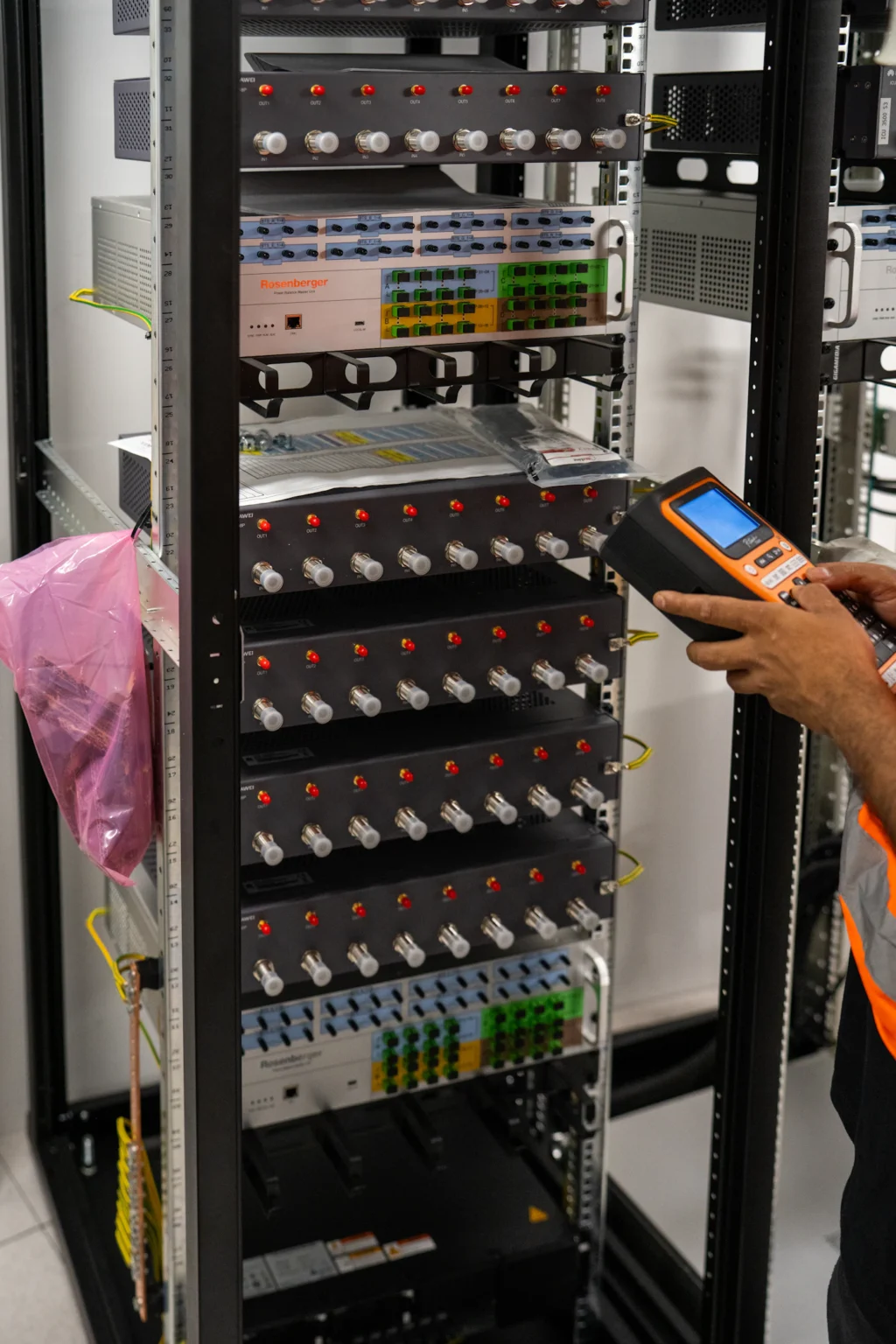
The “Simple” Shutdown: A Lesson in Data Center Decommissioning Mistakes
A company had just completed its migration to a new data center. The hard part, they thought, was over, but the data center decommissioning mistakes still ahead of them would prove otherwise.
With systems now running in the new environment, the remaining task seemed straightforward: remove the old racks, disconnect the hardware, and clear the room. But what was expected to be a quick cleanup quickly turned into weeks of unexpected problems.
Several storage arrays still contained business-critical data that hadn’t been securely destroyed. A few servers got removed before application owners confirmed every workload had successfully migrated. Asset records didn’t match the physical inventory, leaving IT teams searching for missing equipment. By the time the project wrapped up, the organization had faced unnecessary delays, increased costs, and avoidable security concerns.
The problem wasn’t the migration. It was the decommissioning process.
Data center decommissioning is often underestimated because it happens after the “main project” is complete. In reality, it’s one of the most critical phases of the entire IT lifecycle. Without proper planning and execution, organizations risk downtime, data exposure, lost asset value, and compliance issues long after production systems have moved elsewhere.
Avoiding these mistakes starts with understanding where decommissioning projects commonly go wrong.
Why Data Center Decommissioning Mistakes Are So Common
Many organizations treat decommissioning as a facilities project instead of an IT governance initiative. Once new infrastructure is operational, attention naturally shifts toward ongoing business operations, leaving the retirement of old equipment as a lower priority.
Unfortunately, this mindset creates unnecessary risk. Data center decommissioning involves much more than disconnecting servers and removing racks. Every retired asset must be inventoried, tracked, sanitized, evaluated, transported, and documented before it officially leaves the organization’s responsibility.
Without a structured process, even experienced IT teams can overlook critical steps that affect business continuity, cybersecurity, compliance, and financial performance. The good news: most data center decommissioning mistakes stem from a handful of preventable errors.
Why Data Center Decommissioning Mistakes Matter
Mistakes made during decommissioning rarely affect only the IT department. A poorly managed project can impact the entire organization.
Increased Downtime
Removing systems too early, or failing to understand infrastructure dependencies, can interrupt business operations, delay projects, and reduce employee productivity.
Data Security Exposure
Retired servers, storage devices, and backup systems often continue storing confidential information long after someone powers them off. If organizations don’t securely manage those assets, they risk exposing sensitive customer, financial, or operational data.
Lost Asset Value
Enterprise hardware depreciates quickly. Equipment that sits idle while projects get delayed may lose resale value, reducing opportunities for IT buyback and value recovery.
Compliance Challenges
Many organizations must demonstrate how they managed retired assets. Missing documentation, incomplete inventories, or poor chain of custody procedures can complicate audits and create unnecessary compliance concerns.
Avoiding these risks begins with recognizing the most common data center decommissioning mistakes before they happen.
Mistake #1: Starting Without a Detailed Plan
One of the most common reasons decommissioning projects fail is the absence of a structured project plan. Some organizations assume that because production workloads have already migrated, teams can simply disconnect and remove the remaining hardware.
In reality, successful decommissioning requires careful sequencing. Before powering down any equipment, organizations should establish:
- Project objectives
- Asset inventories
- Stakeholder responsibilities
- Application dependencies
- Data protection requirements
- Transportation logistics
- Documentation requirements
- Final disposition plans
Without clear planning, teams often work reactively instead of following a coordinated process, increasing the likelihood of costly mistakes. A well-defined plan ensures every participant understands their responsibilities, and every asset follows a documented path from retirement to final disposition.
Mistake #2: Skipping Verified Data Destruction
One of the most dangerous assumptions during decommissioning is believing that powering down a server or removing storage devices eliminates the security risk. It doesn’t.
Hard drives, SSDs, backup appliances, and storage arrays frequently retain sensitive business information long after they leave production. If organizations transport, resell, donate, or recycle these assets without verified sanitization aligned to NIST SP 800-88, they may unintentionally expose confidential information.
Secure data destruction should never be treated as the final task completed after equipment leaves the facility. Instead, it should be built into the decommissioning plan from the very beginning. Organizations should determine:
- Which devices contain sensitive information
- Which sanitization methods are appropriate
- How they’ll verify destruction
- What documentation will be provided after completion
Planning these activities early helps reduce security risks while supporting compliance and audit readiness.
Mistake #3: Losing Chain of Custody
Even when organizations successfully inventory equipment and perform data destruction, another critical mistake can occur if they don’t track assets throughout the entire process.
Every retired server, switch, storage array, and network appliance passes through multiple stages during decommissioning. Without a documented chain of custody, organizations may lose visibility over:
- Who handled each asset
- When custody changed
- Where equipment was transported
- Whether every asset reached its intended destination
A single untracked device can create unnecessary uncertainty during audits or security investigations. Maintaining a continuous chain of custody ensures accountability from the moment equipment leaves the data center until someone completes and documents its final disposition.
Mistake #4: Ignoring Asset Value Recovery
One of the biggest misconceptions during a data center decommission is that every retired asset should be treated as electronic waste. In reality, many enterprise servers, storage arrays, networking switches, and other infrastructure components still retain significant market value.
Organizations that skip the evaluation process often send valuable equipment directly to recycling, missing opportunities to recover part of their original technology investment.
An effective decommissioning strategy should include an assessment of every asset to determine its most appropriate path. Questions to consider include:
- Can this equipment be redeployed internally?
- Does it qualify for refurbishment?
- Is there resale value through an IT buyback program?
- Has it truly reached the end of its useful life?
By identifying recoverable assets early, organizations can offset future technology expenses while reducing unnecessary electronic waste. Data center decommissioning shouldn’t only focus on removing equipment, it should also maximize the value of retiring infrastructure wherever practical.
Mistake #5: Poor Documentation
The final, and often most overlooked, mistake is failing to document the decommissioning process. Many organizations complete the physical work successfully but lack the records needed to prove exactly what happened to every asset.
Comprehensive documentation should include:
- Verified asset inventories
- Chain of custody records
- Data destruction certificates
- Equipment disposition reports
- Recycling or buyback documentation
- Final project summaries
Without these records, organizations may struggle to demonstrate compliance, answer audit questions, or verify that they securely managed sensitive information throughout the project.
Documentation isn’t simply paperwork. It provides evidence that every retired asset followed an accountable, secure, and well-managed process from beginning to end.
How to Avoid These Data Center Decommissioning Mistakes
Successful data center decommissioning begins long before someone powers down the first server. Organizations can significantly reduce risk by following a structured approach.
Develop a Comprehensive Project Plan
Clearly define project scope, timelines, responsibilities, dependencies, and communication plans before work begins. Every stakeholder should understand their role throughout the project.
Maintain Complete Asset Visibility
Perform a detailed inventory before removing equipment, and verify assets at every transfer point. Accurate tracking reduces the likelihood of misplaced equipment and strengthens accountability.
Integrate Secure Data Destruction
Build data protection into the decommissioning process rather than treating it as a separate task afterward. Sanitize every data-bearing device using appropriate methods before reuse, resale, or recycling.
Evaluate Equipment for Value Recovery
Before disposing of retired infrastructure, determine whether servers, storage systems, or networking equipment still retain resale value. Recovering value helps reduce project costs while supporting sustainability initiatives.
Document Every Step
Maintain complete records throughout the project, including inventories, chain of custody, certificates of destruction, and final disposition reports. Comprehensive documentation strengthens governance while supporting future audits and compliance requirements.
Expert Insight on Data Center Decommissioning Mistakes
The most successful decommissioning projects don’t happen because organizations work faster. They happen because organizations work methodically and stay ahead of the common data center decommissioning mistakes that derail less-prepared teams.
Planning, documentation, secure data handling, asset tracking, and value recovery all contribute to a smoother, lower-risk project. When organizations build these activities into a structured decommissioning strategy, they gain more than operational efficiency, they strengthen security, improve compliance, recover additional value, and reduce unnecessary business disruption.
Data center decommissioning should never be viewed as the final cleanup after a migration. It’s the final opportunity to protect business assets before they permanently leave your organization’s control.
Frequently Asked Questions About Data Center Decommissioning Mistakes
One of the greatest risks is failing to maintain visibility over data-bearing assets. Without proper planning, secure data destruction, and chain of custody, organizations increase the likelihood of data exposure and compliance challenges.
No. Many enterprise assets still retain value and may qualify for refurbishment or IT buyback programs. Evaluate equipment before recycling it.
Documentation provides evidence that someone tracked, securely processed, and retired every asset according to established procedures. It also supports audit readiness and regulatory compliance.
Planning should begin well before someone powers down infrastructure. Early planning helps identify dependencies, coordinate stakeholders, protect sensitive data, and ensure a smooth retirement process.
Avoid Data Center Decommissioning Mistakes on Your Next Project
A successful decommission isn’t measured by how quickly someone removes equipment, it’s measured by how securely, efficiently, and responsibly they manage every asset throughout the process, avoiding the data center decommissioning mistakes that trip up less-prepared teams.
Partner with Silverback Communications to develop a structured strategy that avoids common data center decommissioning mistakes, protects sensitive information, minimizes downtime, maintains complete asset accountability, and helps recover value from retiring infrastructure.
Need a planning resource before you begin? Download our Data Center Decommissioning Planning Checklist to ensure every phase of your next project is organized, secure, and audit-ready.
Keep reading
Migration and Decommissioning: Difference in Data Centers
Migration and decommissioning share a lot of vocabulary, from racks to downtime windows. Their goals are opposite.
Data Center Decommissioning Checklist: A Step-by-Step Guide
A step-by-step checklist to retire data center assets securely, avoid downtime and stay compliant.
Data Center Liquidation Gone Wrong
Seven data center liquidation mistakes that cost companies millions, and how to avoid them.